Ah, yet another messaging App. It can also send SMS, so what? Wait, this also has yet another Assistant? Oh, this may just be another mashup of features.
Google Allo wants to be multiple things at once. Does it shine at anything? Will it replace the incumbents like WhatsApp as your go to messenger? I think it has the potential, but not yet there to be my communication tool and the daily driver for getting things done. I will take you through the App and let you decide on your mileage.
Setup
Setup steps for the messengers have become fairly simple and standard in today’s age, and Allo is no exception. Just download the App from Google Play and provide your phone number and you should be up and running in no time.

Design
Google has this ability to keep things surprisingly light-weight, and simple. We have seen it with Google Keep. Allo continues that trend rather well. The app itself looks lively and simple. There are not too many knobs to turn, which isn’t a bad thing. At least when the default settings are working as expected.
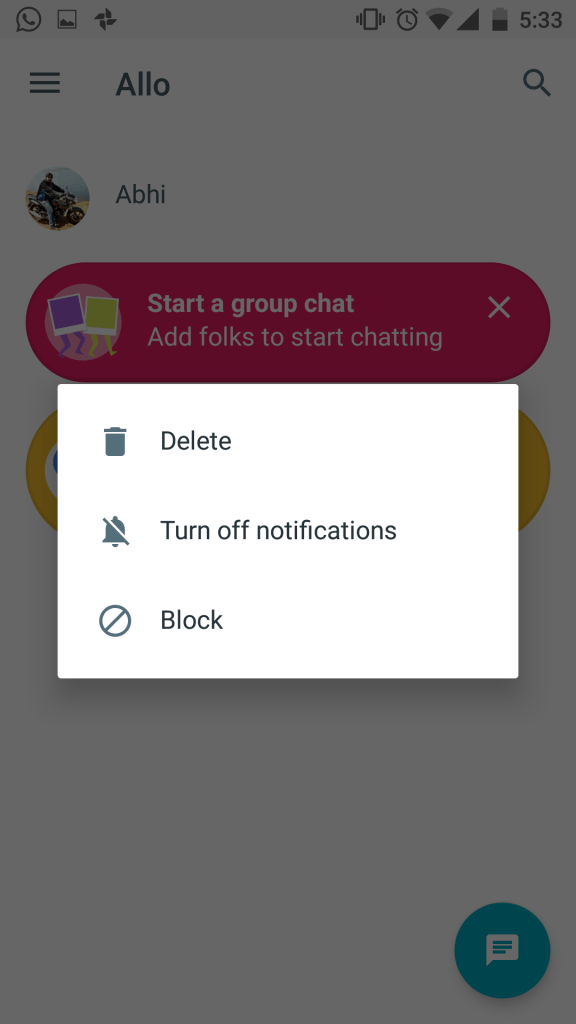
Network effects, where are they?
Referrals
First thing you would notice when you select a contact to chat with – you get to send free SMS’s if they aren’t on board yet. Nice way to get things moving. Now, as soon as I send the message, my friend would receive an SMS with my message and another asking them to install Allo to continue chatting with me. Great, but irritating! Great because Google should be able to grow the network relatively fast. Great, because the boilerplate “Hey I am using blah blah app, give it a shot!” gets deleted at first sight by the target user. Irritating, because my friend can’t reply to me until they download the app.
Stickers
Confession – I am not too fond of generous use of stickers, but then that’s just me. The collection of stickers looks attractive, but may not be a match for Hike Messenger. This is okay, considering there is probably a tiny gap between apps like WhatsApp and Hike which can be filled by Allo.
Google Assistant
The biggest reason why anyone should try Allo isn’t for the network effects above, but for Google Assistant. It is a chat bot aiming to bring answers to all your questions by use of Artificial Intelligence. This one has tremendous potential to be your every day assistant. With the wealth of data Google already has access to, this will be the perfect assistant for you to get your hands on any information you are looking for. But hold your horses, it isn’t there yet.
Tell the Assistant about what you are looking for and you get answers. Food, weather, traffic, reminders, games and what not.You can also call the assistant into your chats by typing @google and results will be there for the other member/s to see.
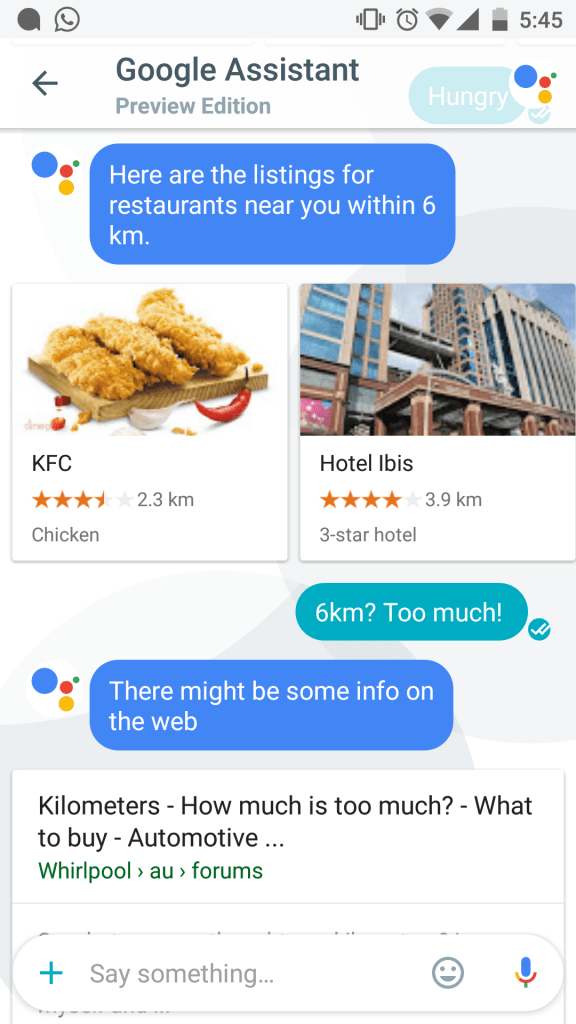
However, there is a lack of context knowledge within the app. Google Assistant can’t read your mind or the context all too well. Basic commands work seamlessly, but, any advanced expectations won’t be met and refinement of your queries you made just before won’t always work.

Usability
This is where I do have some qualms about Allo. Some of them will prove detrimental to repeat usage, if not addressed well and fast. But before we come to the ugly bits, I would highlight that, Allo is a very usable messaging app.
It’s simple
I can’t stress this enough. It is important to hide the complexities from the users to drive the adoption rate higher. Don’t dump all your ideas into version one. Everyone should learn this from Google, period.
It’s easy (and secure) to chat
When you get questions from your friends, you don’t have to type your answers. Just select your response and voila! Allo will learn your responses and will improve in assisting you to chat faster. Do note that, the chats stored by Google to analyze and help you speed up things with routine responses. I know, some of you just started wincing at that one. For those of you who did, there is an Incognito Mode, so calm down! Allo won’t store any information if you go Incognito and encrypt the messages end to end.
It lets you play games, quizzes and more
Though the facade is simple, it can help you do a ton of things. Just tell the Google Assistant you are bored and you can try one from a host of activities it will throw at you.
In all, Allo is a nice messaging app. But what about the other things it sets out to do, like being the go to assistant while you are communicating (for other times, you do have Google Now)? Or, what about integrating the hosts of Google services like they did in Keep?
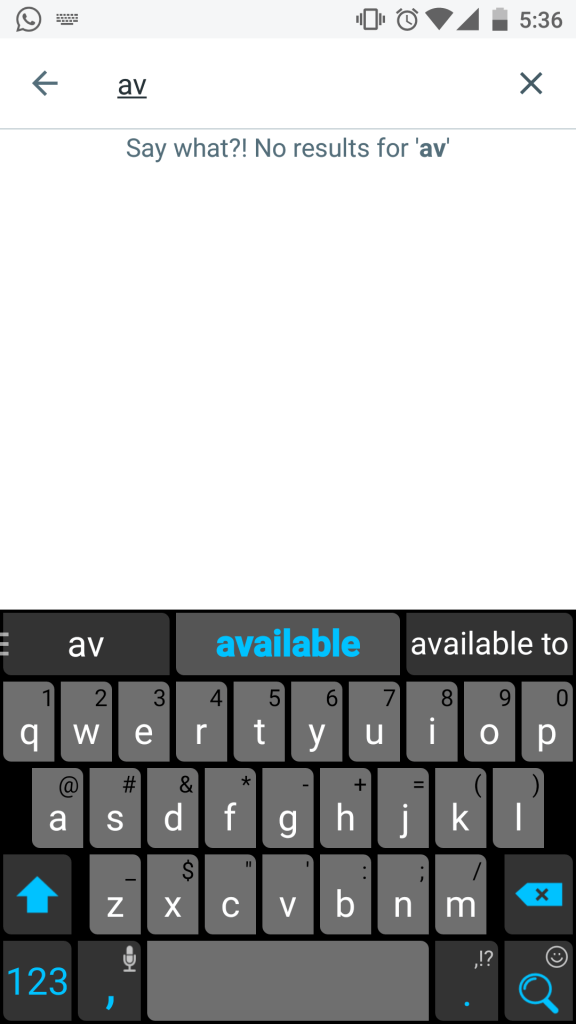
Search bar does not search contacts
This one is a bummer! Come on Google, this can’t be so hard. Why do I have to tap the message button itself to start a new conversation!
Assistant does not mind the context
Google Assistant is a good shot at chat bot, but it is not great, yet. It lacks the ability to look at the context before responding too your queries, which is highly expected of a modern assistant. The saving grace is the suggestions you get to follow up the initial response. That sometimes helps move the conversation with the bot and get to your goal.
Why do we have so many apps to communicate?
Chat, talk or see – they are all modes of communication. Three apps – Hangouts, Duo and Allo all installed to fulfill three modes does not sound right. Google must decide where they want to put all their focus. I would go with Allo, because it is the cleanest and most well put communication app yet by Google.
 Thought Farming